Twenty-two lessons that take you from your first composition to building a complete morph visual effect of your own. Structured logically from the basics up, with nothing assumed.
Built for absolute beginners - nothing is assumed
Works with any version of After Effects, including the free trial
Class projects and a certificate when you finish
Watch free for a month with my referral link
Free for a month with my referral link, then a Skillshare membership.
Download the free After Effects trial
After Effects is an industry-leading video compositing tool. It gives you powerful features to composite - layer - different visual elements on top of each other, which is what lets you add exciting visual effects to your film projects or build motion graphics and animations from scratch.
22 lessons over 4h 5m, ordered from the very basics upwards.
What After Effects actually is, what the course covers, and a tour of the interface so the panels stop looking like a cockpit. Four short lessons before you touch anything.
Importing your footage, creating compositions and getting a finished file back out again. Exporting comes early on purpose - you can complete a project end to end before learning anything fancy.
The heart of the program: working with layers, applying and adjusting effects, and adding keyframe animation. This is the block that turns a still comp into something that moves.
Creating and animating text, then shape layers - the vector tools that build titles, lower thirds and motion graphics without a single piece of imported artwork.
Masking is the fundamental compositing skill, and track mattes let one layer define the transparency of another. Together they are what makes compositing possible at all.
Adjustment layers apply effects to everything beneath them; pre-compositions let you group and reuse layers as a single element. Both are how a messy project stays workable.
Connecting layers so transforming one moves the rest, and using null objects as invisible controllers. This is how complex hierarchical animation gets built without going mad.
Three lessons putting the whole course to work on one shot - setting the effect up, rotoscoping it, and compositing the result. Nearly an hour of building a real VFX shot from scratch.
Complete beginners who have never opened After Effects
Video editors adding motion graphics and VFX to their skill set
YouTubers and content creators building their own titles and effects
Anyone who has watched scattered tutorials and wants a structured path
22 lessons, 4h 5m, from the interface to a finished morph VFX
Works with any version of After Effects - the free trial is enough
Four class projects to practise on, with somewhere to post your work
A Skillshare certificate when you complete the class
The course is the structured path, but it is not the only thing here. Surfaced Studio has been publishing free After Effects tutorials since 2011 - VFX breakdowns, motion tracking, rotoscoping, compositing and the workflow tips in between. Start with any of these, and take the course when you want the whole thing in order.
The starting point. Everything you need to open After Effects for the first time and build your first effect.
Read the tutorial →
The free series the course grew out of: the workflow, the interface and the core tools, step by step.
Read the tutorial →
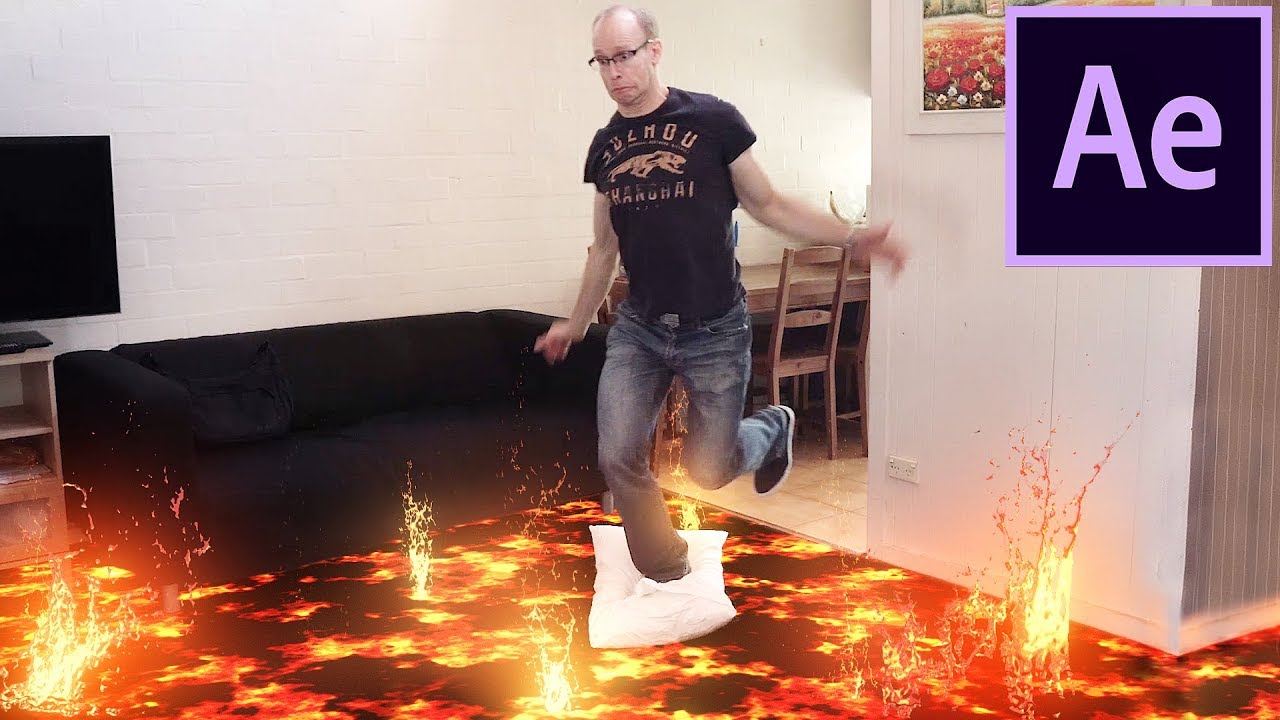
Track a real shot in 3D and composite lava into it. A full VFX shot from footage to final grade.
Read the tutorial →
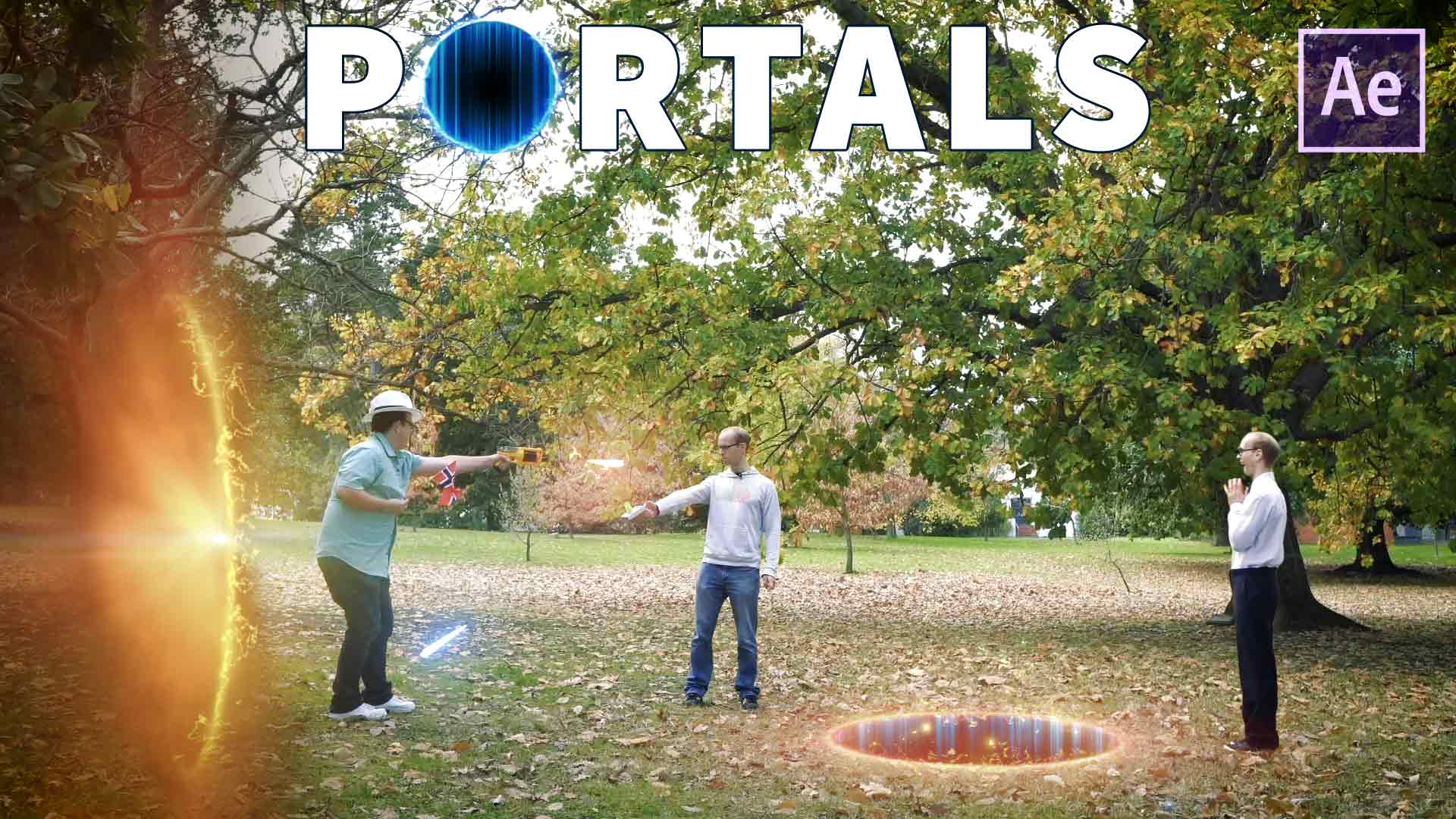
Energy effects, particles and having someone fall through a portal - masking and track mattes doing real work.
Read the tutorial →
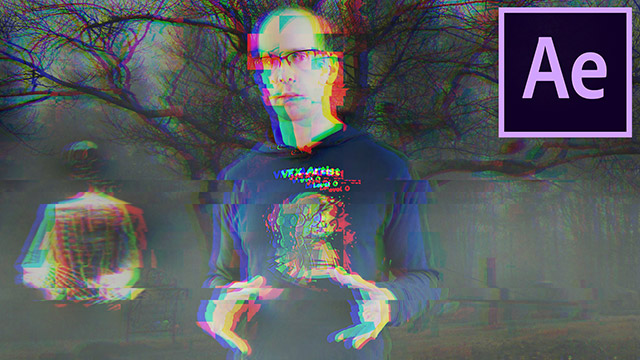
RGB split, compression artefacts and digital noise, built from scratch with no third-party plugins.
Read the tutorial →

RAM preview, trimming, soloing layers and pre-composing - the shortcuts worth building muscle memory for.
Read the tutorial →
73 free tutorials, and counting. No sign-up, no paywall.
Reviews from students who took the course.
Tobias has a very unique way of teaching that makes me want to learn. Initially After Effects seemed very daunting and difficult, I didn't know how I was going to approach learning this subject, but I started following Surfaced Studio on YouTube and he made everything look so easy and fun! I knew that if I wanted a good foundation in learning anything After Effects it was going to be from him. Now I'm completely comfortable with After Effects and enjoy using this program.
Melissa
Not over the top and very easy to follow.
Hasan
Yes, and I would encourage it. Surfaced Studio has a large free After Effects library at surfacedstudio.com/tutorials/after-effects - VFX breakdowns, motion tracking, rotoscoping, compositing and workflow tips. Work through a few, see whether the way I explain things suits you, and take the class if you want it all in one ordered path. My referral link also gives you a free month of Skillshare, so the class itself can cost you nothing.
No. The course is written for absolute beginners and does not assume you have used the program before. Everything is covered step by step from the very basics.
You need a copy of Adobe After Effects to follow along, but not a paid one to start - Adobe's free trial is enough. The course is built for any version, so it does not matter which release you are on.
Download the free After Effects trial →Skillshare is a subscription learning platform - one membership gives you this class and thousands of others, rather than buying courses one at a time. My referral link gives you a free month, so you can watch the whole course without paying anything. After that it renews as a paid membership until you cancel, and you can cancel during the free month if you would rather not continue.
You lose access to the class, as with any subscription - this is the one real difference from buying a course outright. If you want the material permanently, work through it during your free month, and keep in mind that a lot of the same ground is covered free on surfacedstudio.com and my YouTube channel.
Yes. The class sets four projects to work through, and the course materials are available to download so you can follow along with the same footage I use rather than hunting for your own.
Some of it, yes - and I am upfront about that. The class reorganises my best material into a single ordered path, adds the project files and the morph VFX exercise, and comes with a certificate at the end. If you would rather not subscribe to anything, the free tutorials above are genuinely free.
Ask in the class discussion on Skillshare. I answer student questions there, and I would rather you finish the course happy than quietly give up on it.
22 lessons, 4h 5m, and the course files - free for a month with my referral link.
Free for a month with my referral link, then a Skillshare membership.
